
How to add an admin to a CS 1.6 server with users.ini
One line in users.ini makes a player an admin. Use their SteamID and the "ce" account flags, then reload admins. Includes the full flags table.
- Audience
- New to running a server
- Last checked
- Steps
- 5
- Reading time
- 4 min
- On Hostsrc
- Includes the steps for a Hostsrc server
To make a player an admin, add one line to cstrike/addons/amxmodx/configs/users.ini with their SteamID, an empty password, their access flags and the account flags ce. Then type amx_reloadadmins in the server console, or change the map.
"STEAM_0:1:23456789" "" "abcdefghijklmnopqrstu" "ce"That line gives full admin rights to the player with that SteamID. c says the first field is a SteamID, and e says no password is checked.
On Hostsrc
AMX Mod X is part of the base pack on every new server, so users.ini is already there.
Before you start
- The player's SteamID, or their name and a password you agree on.
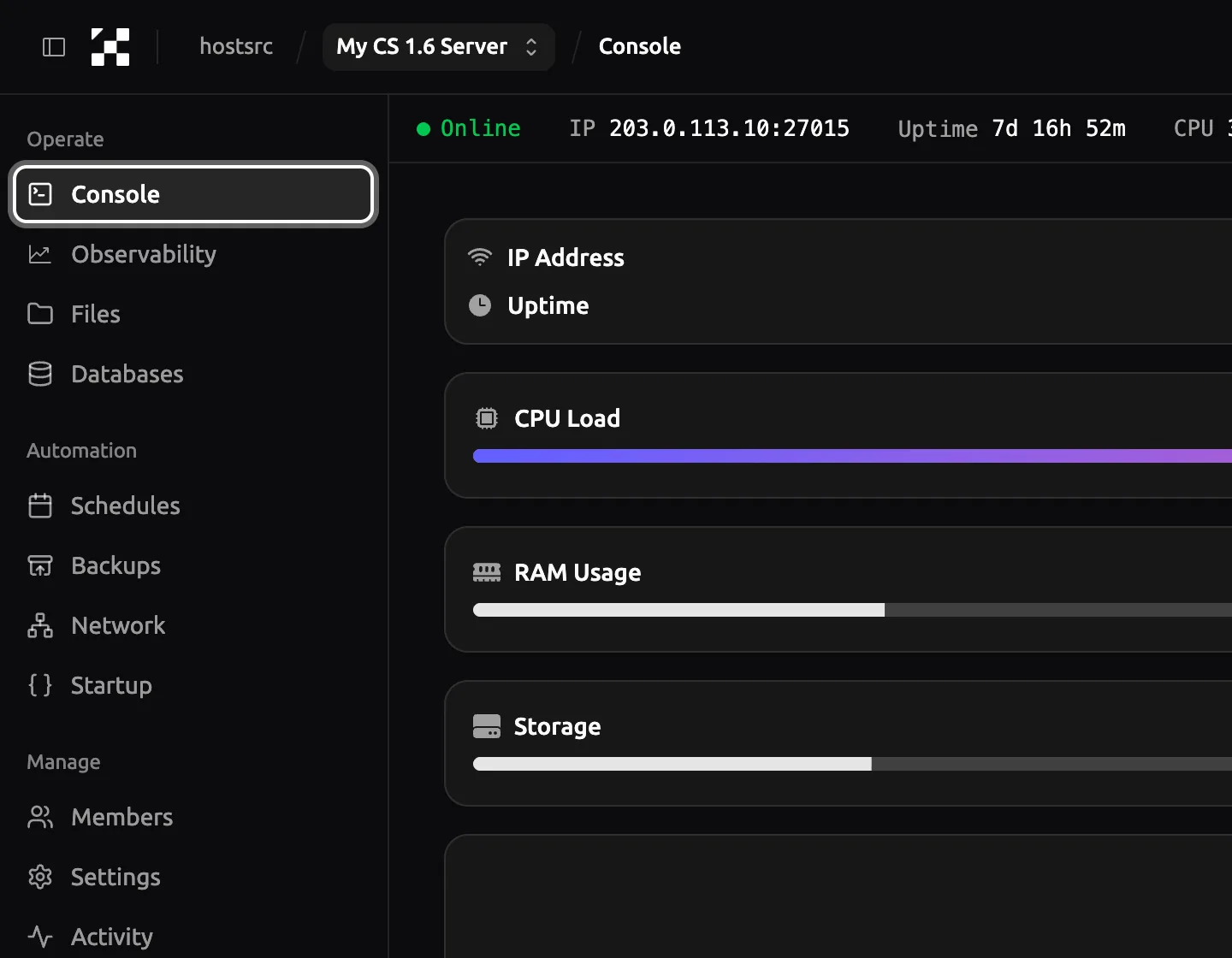
- A way to edit your server's files. In the control panel, open Files in your server's menu.
- Access to the server console. In the control panel, open Console.
Steps
Step 2: Open users.ini
Open
cstrike/addons/amxmodx/configs/users.ini. The top of the file explains every flag, and your admins go at the bottom. In Files, click the file name to open it in the editor.Leave the existing
"loopback"line in place. It only applies to a server run from the game itself.
Panel as of
Step 3: Add the admin's line
Add one line per admin at the end of the file. Each line has four fields, each in double quotes: who the admin is, the password, the access flags and the account flags.
Choose access flags for what the admin should do. The full set
abcdefghijklmnopqrstuis for the owner and trusted co-owners. A moderator who can use a reserved slot, kick, ban, slay, change the map, use admin chat and votes, and open the menu needsbcdefiju. The Access flags table below lists every letter.cstrike/addons/amxmodx/configs/users.ini ; Owner, by SteamID"STEAM_0:1:23456789" "" "abcdefghijklmnopqrstu" "ce" ; Moderator, by SteamID"STEAM_0:0:98765432" "" "bcdefiju" "ce"Note
Never give an admin the
zflag. It means "user, not an admin".
Access flags
These are the third field. Combine as many letters as you need, in any order.
| Flag | Gives access to |
|---|---|
a | Immunity: can't be kicked, banned, slain or slapped |
b | Reserved slots |
c | amx_kick |
d | amx_ban and amx_unban |
e | amx_slay and amx_slap |
f | amx_map |
g | amx_cvar (not every cvar) |
h | amx_cfg |
i | amx_chat and the other chat commands |
j | amx_vote and the other vote commands |
k | sv_password through amx_cvar |
l | amx_rcon and rcon_password through amx_cvar |
m to t | Custom levels A to H, used by other plugins |
u | Admin menus |
v | Temporary bans only (newer AMX Mod X versions; check the top of your users.ini) |
z | User, not an admin |
Account flags
These are the fourth field.
| Flag | Meaning |
|---|---|
a | Kick the player if the password is wrong |
b | The first field is a clan tag |
c | The first field is a SteamID |
d | The first field is an IP address |
e | Don't check the password |
k | The name or tag is case-sensitive |
The three usual combinations are ce for a SteamID, de for an IP address and a for a name with a password.
; By IP address: only for a fixed IP"203.0.113.50" "" "bcdefiju" "de" ; By name and password"ExampleAdmin" "change-this-password" "bcdefiju" "a"A name-and-password admin sets the password in their own game before connecting. The setting name is _pw unless your amxx.cfg changes amx_password_field.
setinfo _pw "change-this-password"Troubleshooting
The admin has no rights after joining
Check these in order:
- The admins were reloaded. Run
amx_reloadadminsin the server console, or change the map. - The line doesn't start with
;, and all four fields are in double quotes. - The SteamID matches
statusexactly, including the0or1afterSTEAM_0:. - The account flags include
cfor a SteamID ordfor an IP address.
The admin is kicked with "invalid password"
The line uses the account flag a and the password didn't match. The name in the game must match the first field exactly. The admin must run setinfo _pw "their-password" before they connect, not after.
Someone else got admin by using the admin's name
The line is name-based with the flag e, so no password is checked. Switch that admin to their SteamID with ce, or give them a password and the flag a.
Links
- Adding Admins (AMX Mod X) (external site, opens in a new tab)
AlliedModders wiki, users.ini format and flags
- users.ini in the AMX Mod X source (external site, opens in a new tab)
the default file with every flag listed
- Commands (AMX Mod X) (external site, opens in a new tab)
AlliedModders wiki, admin commands and the access each needs
Counter-Strike 1.6 server hosting
From €5.99/month for 14 players
Frankfurt or Bucharest. Final price, no VAT added.
Build my serverStart a paid test from €1.99Discord
Ask other admins and our team.
Join our Discord (external site, opens in a new tab)Related guides
How to install an AMX Mod X plugin on a CS 1.6 server
Copy the .amxx file into the plugins folder, list it in plugins.ini and change the map. Covers extra files, modules and fixes for "bad load".
7 steps4 min readOn Hostsrc
How to connect to a CS 1.6 server by IP and add it to favourites
Type connect with the IP and port in the console, or add the address to your favourites. Covers passwords, ports and the favourites bug.
6 steps2 min readNew to running a serverOn Hostsrc
Play CS 1.6 with friends without Hamachi or Radmin VPN
Run the server at an address your friends can reach, share the IP and port, and keep strangers out with a password or private access.
6 steps4 min readNew to running a serverOn Hostsrc