
CS 1.6 server commands and how to use RCON
Set rcon_password in server.cfg and send commands with rcon from your game console. Lists the server and AMX Mod X commands admins use, with their syntax.
- Last checked
- Steps
- 5
- Reading time
- 5 min
- On Hostsrc
- Includes the steps for a Hostsrc server
RCON (remote console) runs server console commands from your game. Set rcon_password in server.cfg. Then, in your game console, type rcon_password with the same password, and put rcon in front of each command.
rcon_password "a-long-password-only-you-know"rcon statusrcon changelevel de_infernoAnyone with that password controls the whole server. Give moderators AMX Mod X admin rights instead: their amx_ commands are checked against the flags you give them in users.ini.
On Hostsrc
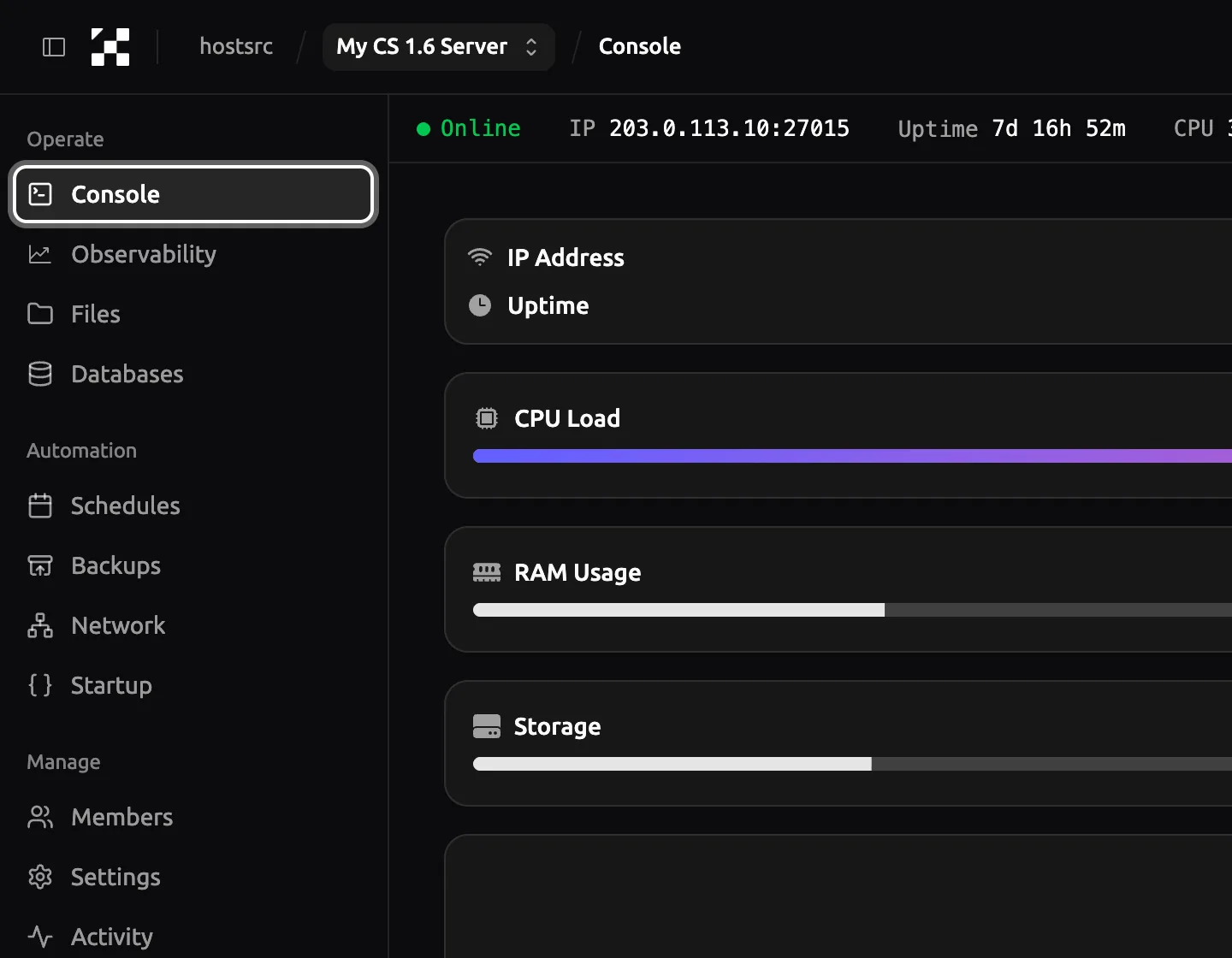
You don't need RCON to run commands on your own server. Type them in Console in the control panel, without rcon in front.
Before you start
- A way to edit
cstrike/server.cfg. - For AMX Mod X commands, an admin line for yourself in
users.ini. The admin guide has the steps.
Steps
Step 1: Set rcon_password
Add a long
rcon_passwordtocstrike/server.cfg, different from every other password you use. Then change the map or restart the server, so it reads the file.cstrike/server.cfg rcon_password "a-long-password-only-you-know"Warning
With an empty
rcon_password, RCON is off and every request gets "No password set for this server". Never paste the password in chat or show it in a screenshot.Step 2: Send a command from your game
Join the server and open the console. Type
rcon_passwordwith the password, thenrconand the command. The password stays set until you close the game.Wrong passwords count against your address. 5 wrong tries within 30 seconds get it banned with
addip(sv_rcon_minfailures,sv_rcon_minfailuretime). The ban lastssv_rcon_banpenaltyminutes, and the default 0 makes it permanent.Console rcon_password "a-long-password-only-you-know"rcon statusStep 4: Give moderators AMX Mod X commands
An admin with the right flags runs
amx_commands from their own console, without the RCON password.callowsamx_kick,dallowsamx_ban,fallowsamx_mapanduopensamxmodmenu. The AMX Mod X table below lists each command's flag.#12in the examples is a player's userid.statusandamx_whoshow it, and it avoids mistakes with names that have spaces or symbols.Console amx_kick #12 "Spawn camping"amx_ban #12 60 "Wallhack"amx_map de_nukeStep 5: Limit RCON to your own addresses
ReHLDS 3.14 and later, and xHLDS, add an RCON allow list. Once it has an entry, RCON works only from the addresses on it, and a right password from any other address gets that address banned. Add your own address first.
The list lives in memory, so put the lines in
server.cfgto keep them after a restart.rcon_usersshows the list, andrcon_deluserremoves an entry.cstrike/server.cfg rcon_adduser 198.51.100.24
Server commands
rcon. Checked against the ReHLDS source on 24 October 2026.| Command | What it does | Example |
|---|---|---|
status | Lists the map and the players, with userid, SteamID and ping | status |
stats | CPU, traffic, uptime, server FPS and player count | stats |
changelevel <map> | Changes the map; players stay connected | changelevel de_dust2 |
map <map> | Starts a map from scratch; use changelevel while people play | map de_dust2 |
kick <name or #userid> | Removes a player, who can join again | kick #12 |
banid <minutes> <SteamID or #userid> kick | Bans a SteamID and kicks the player; 0 minutes is permanent | banid 0 #12 kick |
writeid | Saves SteamID bans to banned.cfg, so they survive a restart | writeid |
removeid <SteamID> | Lifts a SteamID ban | removeid STEAM_0:1:23456789 |
addip <minutes> <IP> | Bans an IP address; 0 minutes is permanent | addip 0 203.0.113.50 |
writeip | Saves IP bans to listip.cfg | writeip |
removeip <IP> | Lifts an IP ban | removeip 203.0.113.50 |
say <text> | Sends a chat message from the server | say Restart in 5 minutes |
exec <file> | Runs a config file from cstrike | exec server.cfg |
sv_restart <seconds> | Restarts the round and the scores after the delay (a CS 1.6 setting) | sv_restart 1 |
mp_timelimit <minutes> | Minutes per map; 0 for no limit | mp_timelimit 30 |
sv_password <text> | The join password; empty for a public server | sv_password "" |
meta list | Metamod plugins and their status | meta list |
amxx plugins | AMX Mod X plugins and their status | amxx plugins |
AMX Mod X admin commands
admincmd.sma, adminchat.sma, adminvote.sma and admin.sma in AMX Mod X 1.9.0. Typed in the admin's own game console. The flag is the letter the admin needs in users.ini.| Command | What it does | Flag |
|---|---|---|
amx_kick <name or #userid> [reason] | Kicks a player | c |
amx_ban <name or #userid> <minutes> [reason] | Bans by SteamID and saves the ban; 0 minutes is permanent | d, or v for temporary bans |
amx_banip <name or #userid> <minutes> [reason] | Bans by IP address | d, or v for temporary bans |
amx_addban <"SteamID" or IP> <minutes> [reason] | Bans someone who isn't on the server | d |
amx_unban <"SteamID" or IP> | Lifts a ban | d |
amx_slay <name or #userid> | Kills a player | e |
amx_slap <name or #userid> [power] | Slaps a player, with optional damage | e |
amx_map <map> | Changes the map | f |
amx_cvar <cvar> [value] | Shows or sets a server setting | g |
amx_cfg <file> | Runs a config file | h |
amx_reloadadmins | Reads users.ini again | h |
amx_say <message> | Sends a message to everyone | i |
amx_chat <message> | Sends a message to admins only | i |
amx_psay <name or #userid> <message> | Sends a private message | i |
amx_votemap <map> [map] [map] [map] | Starts a map vote | j |
amx_rcon <command> | Runs a server command | l |
amx_who | Lists players and their admin flags | Any admin flag |
amxmodmenu | Opens the admin menu | u |
Troubleshooting
"Bad rcon_password." in my console
The password in your console doesn't match the server's. Check the spelling and the quotes. If you just changed it in server.cfg, change the map or restart, so the server reads it. A second line, "No password set for this server", means rcon_password is empty on the server.
RCON stopped working from my address
Your address was probably banned after wrong passwords. Run listip in the server console or the panel's Console, then removeip with your address and writeip. On ReHLDS and xHLDS, also check that rcon_users lists your current address.
A command works in the server console but not in my game
From your game, a server command needs rcon in front, or an amx_ command with your admin flag. Without either, the game runs it on your own computer, where most server commands don't exist.
Links
- Commands (AMX Mod X) (external site, opens in a new tab)
AlliedModders wiki, admin commands and the access each needs
- admincmd.sma in the AMX Mod X source (external site, opens in a new tab)
the admin commands and their exact syntax
- ReHLDS commands
the RCON allow list and the other commands ReHLDS adds
- ReHLDS settings
`sv_rcon_condebug` and the other settings ReHLDS adds
Counter-Strike 1.6 server hosting
From €5.99/month for 14 players
Frankfurt or Bucharest. Final price, no VAT added.
Build my serverStart a paid test from €1.99Discord
Ask other admins and our team.
Join our Discord (external site, opens in a new tab)Related guides
How to add an admin to a CS 1.6 server with users.ini
One line in users.ini makes a player an admin. Use their SteamID and the "ce" account flags, then reload admins. Includes the full flags table.
5 steps4 min readNew to running a serverOn Hostsrc
How to install an AMX Mod X plugin on a CS 1.6 server
Copy the .amxx file into the plugins folder, list it in plugins.ini and change the map. Covers extra files, modules and fixes for "bad load".
7 steps4 min readOn Hostsrc
How to make a CS 1.6 server
Order a server, set its name and passwords in server.cfg, and share its address. On Hostsrc it starts from a base pack with AMX Mod X. You can also run one yourself.
8 steps4 min readNew to running a serverOn Hostsrc
sys_ticrate and server FPS on a CS 1.6 server
sys_ticrate sets the most frames a second the server runs, 100 by default. How to set it, how to read the real FPS with stats, and what keeps it below the target.
5 steps3 min readOn Hostsrc